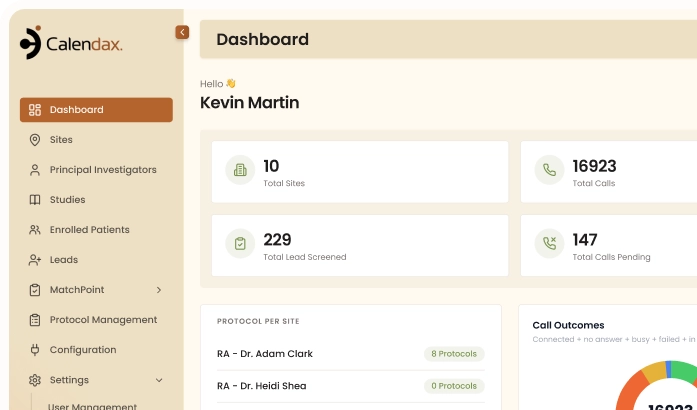
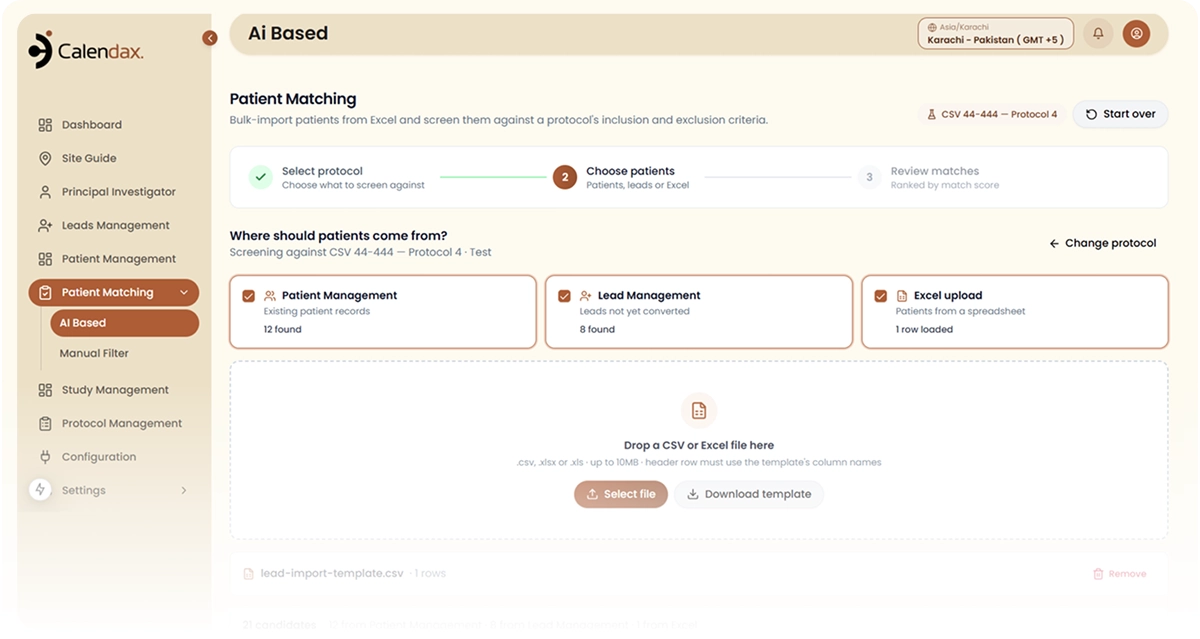
Text Messaging lets research teams send SMS reminders, follow-ups, and updates directly from a patient’s profile in just a few steps.
Simple Message Flow
Message Patients Fast
1
1
Step 1 of 3
Select the Patient
Open the patient's profile from Lead Management to begin messaging.
2
2
Step 2 of 3
Write the Message
Compose a reminder, follow-up, or update directly within the platform.
3
3
Step 3 of 3
Send and Track
Send the message instantly, with a record saved to the profile.
THE PROBLEM
Here's What Text Messaging
Helps You Solve
Relying on repeated calls and scattered tools to reach patients makes it harder to stay consistent and easy to lose track of outreach.
01
Repeated Manual Follow-Ups
Coordinators often rely on phone calls for reminders and follow-ups, adding extra manual work to already busy screening schedules.
02
Missed Appointments and Callbacks
Without timely reminders, patients may forget upcoming appointments or fail to return missed calls, affecting enrollment and retention.
03
Untracked Communication History
When messages are sent outside the platform, coordinators lose visibility into what was communicated and when it happened.
THE IMPACT
Keep Patients Informed
and Engaged
- AI Screening AgentConvert new leads to qualified patients
- Dynamic Protocol QuestionnaireConvert new leads to qualified patients
- Omni-Channel Patient OutreachConvert new leads to qualified patients
- AI Screening AgentConvert new leads to qualified patients

THE IMPACT
Keep Patients Informed and Engaged
Text Messaging keeps patient communication organized and timely, helping coordinators reduce missed appointments and maintain a clear outreach history.

Direct SMS Messaging
Send messages straight from a patient’s profile without switching to another communication tool.
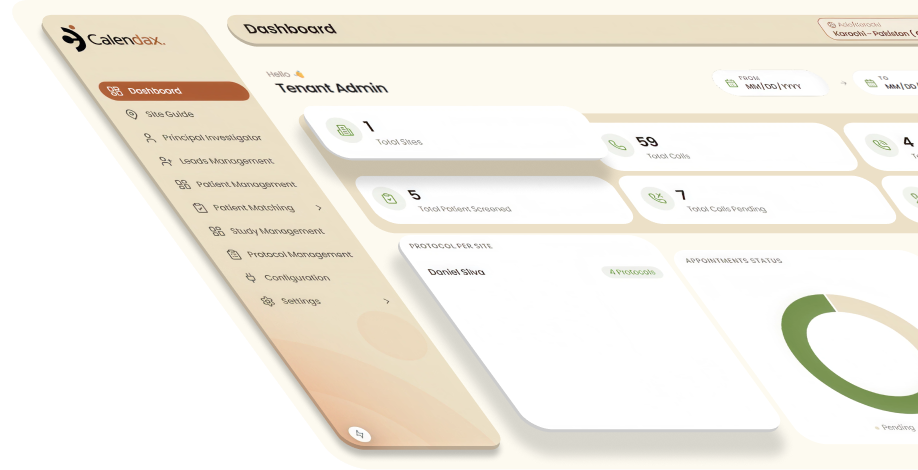
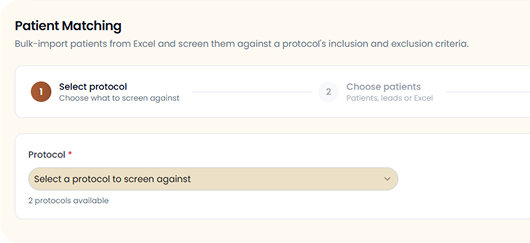

Direct Profile Messaging
Send SMS messages to patients directly from their profile without switching to a separate communication tool.
Complete Message History
Every message sent to a patient is saved to their profile, giving coordinators a clear, trackable record.
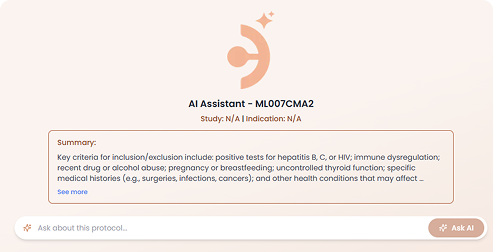
How It Works
Protocol in, screened patients out
01
Upload the protocol
Calendax reads the document and extracts every inclusion and exclusion criterion automatically.
02
Review the questionnaire
A structured set of screening questions is generated from those criteria, ready for your team to edit.
03
Approve it
Your coordinator edits wording, reorders, adds or removes questions, then approves. Nothing runs before that.
04
Screen the leads
The AI agent calls each new lead, runs the approved questions, and records the outcome against the criteria.

Connect
Keep Every Patient Conversation
in One Place
Calendax brings patient messaging into the recruitment workflow, helping research teams send reminders, follow-ups, and updates without switching tools or losing track of conversations.
- Send reminders directly from patient profiles.
- Reduce missed appointments and callbacks.
- Track every message in one place.
Start Messaging
Explore More
See How Calendax Keeps Patients Engaged

Live Calling
Call patients directly from Calendax while following protocol-approved screening questions in real time.

Lead Mapping
View a lead’s complete medical record in one place, giving coordinators full context before reaching out.

Multi-Channel Intake
Bring in leads directly from Meta Ads, feeding new patients into Calendax without manual entry.
FAQs
Got Questions? Answers.
Find clear answers about Calendax text messaging, HIPAA-compliant patient communication, and automated clinical research outreach.
Send MessageContact Support
What is Text Messaging in Calendax?
Text Messaging lets research teams send SMS directly from Calendax for appointment reminders, follow-ups, study updates, and callback requests.
Can Calendax send automated text messages to patients?
Not yet. Calendax currently supports manual SMS messaging, with automated message triggers planned for a future upgrade.
Does Calendax keep a record of patient text messages?
Yes, every message sent to a patient is saved to their profile, creating a clear, trackable communication history.
Can users send manual text messages from a patient's profile?
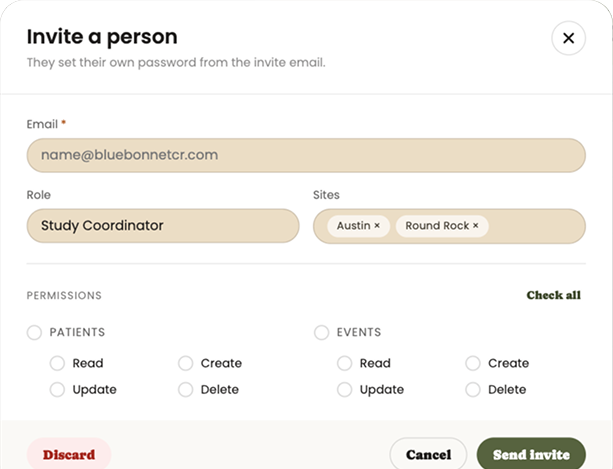
Yes, users can manually compose and send SMS messages directly from a patient’s profile within Lead Management.
How does Text Messaging help reduce missed appointments?
By letting coordinators send timely reminders and follow-ups directly from a patient’s profile, Calendax helps reduce missed appointments and callbacks.
Where can users access Text Messaging in Calendax?
Text Messaging is accessible through the Quick Actions tab within Lead Management, allowing teams to message patients directly from their profiles.
Ready to Make Recruitment More Efficient?
See how Calendax can help your team turn more opportunities into qualified, engaged patients.