
Blog
 .
November 1, 2026
.
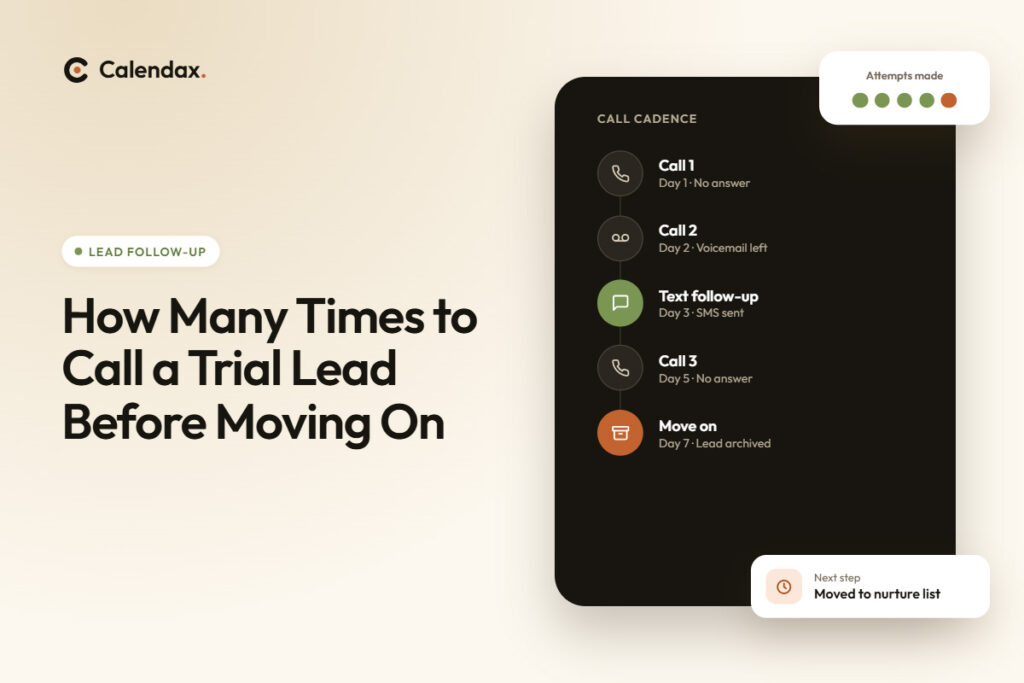
November 1, 2026How Many Times to Call a Trial Lead Before Moving On, and When to Text Instead
Key Takeaways: Early detection of signs of a struggling clinical trial site helps prevent costly ...
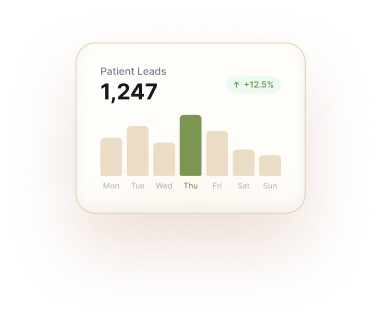
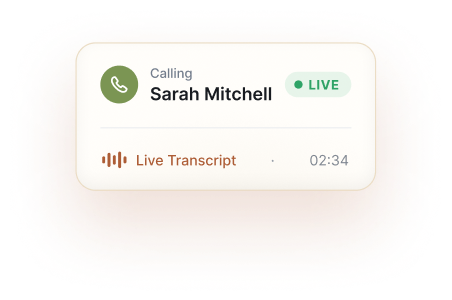
Convert new leads to qualified patients.
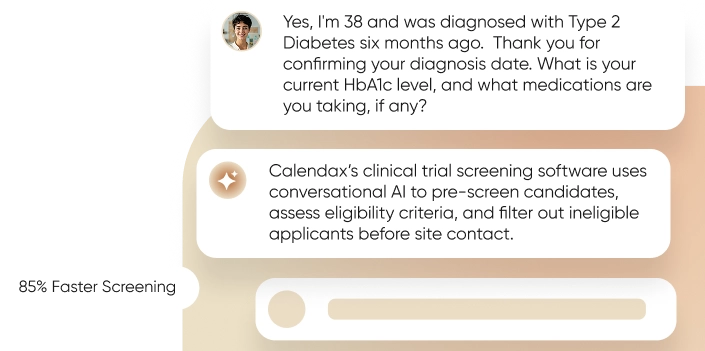
Turn study protocols into screening questionnaires.

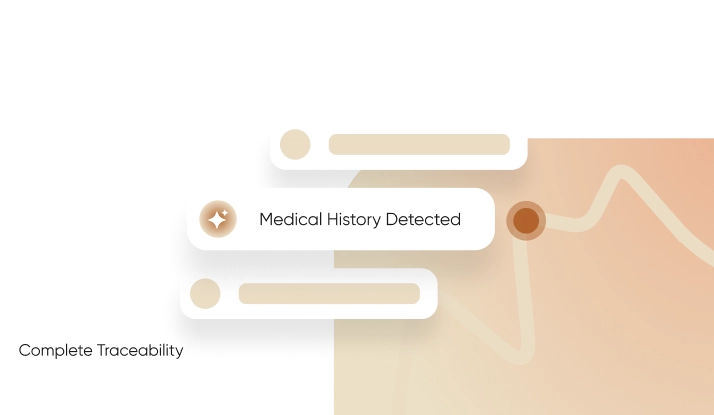
Upload your protocol and let Calendax generate a screening questionnaire from its inclusion and exclusion criteria. Then, simply configure it for your AI calling agent, which uses patient responses to determine study eligibility.
Bring patients into the correct study workflow instantly and start screening without juggling multiple disconnected systems.
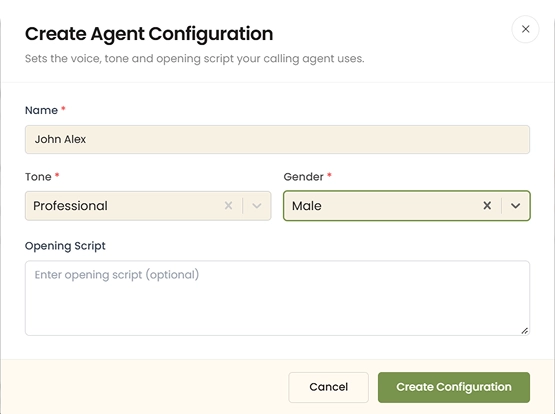
Choose your agent's tone, gender, and script once, and every future call reflects that choice.
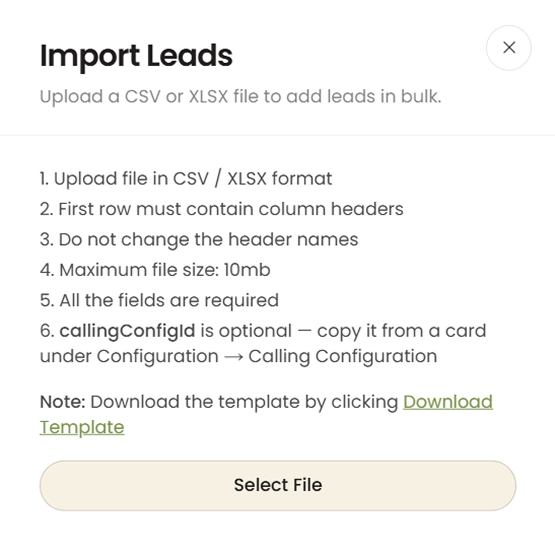
Bring leads in from Facebook, Excel, or manual entry, and watch Calendax organize them instantly.
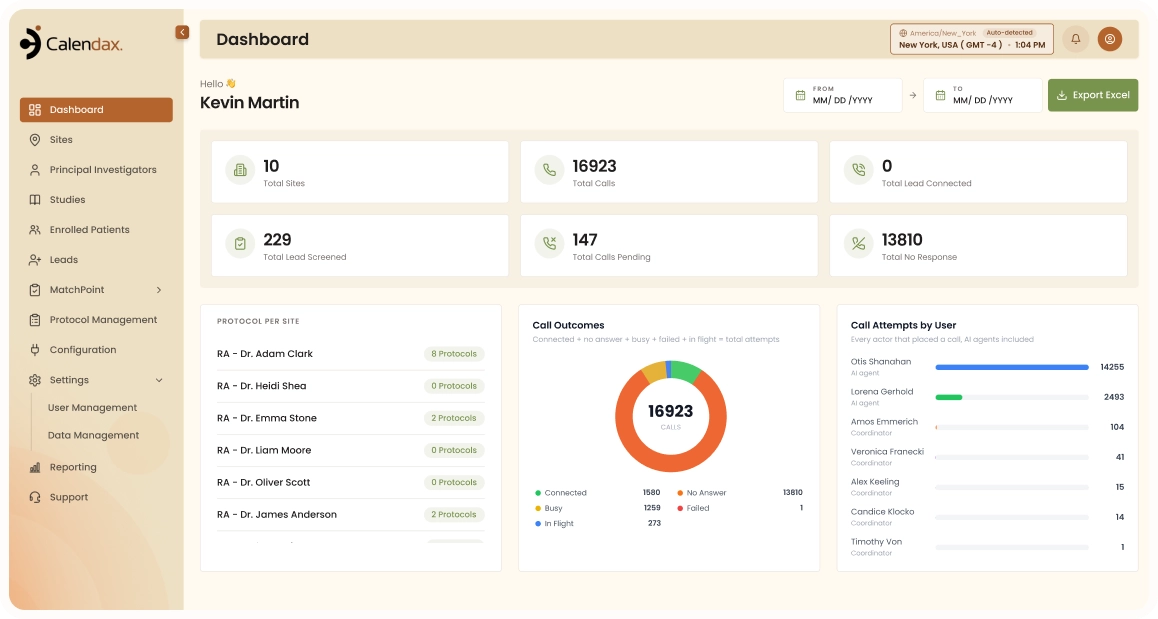
Each completed call comes with an automatic status and summary, ready for your team to act on.
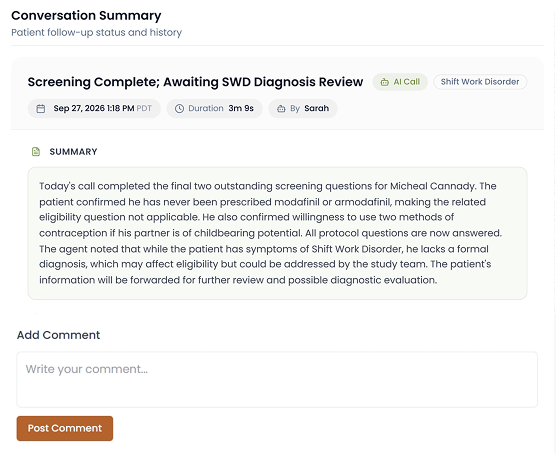
See how a clinical trial patient recruitment software can give research teams greater control over the patient journey, from first interaction through study participation.
Calendax, a patient recruitment software for research sites, gives teams the structure to move faster without losing control of the process.
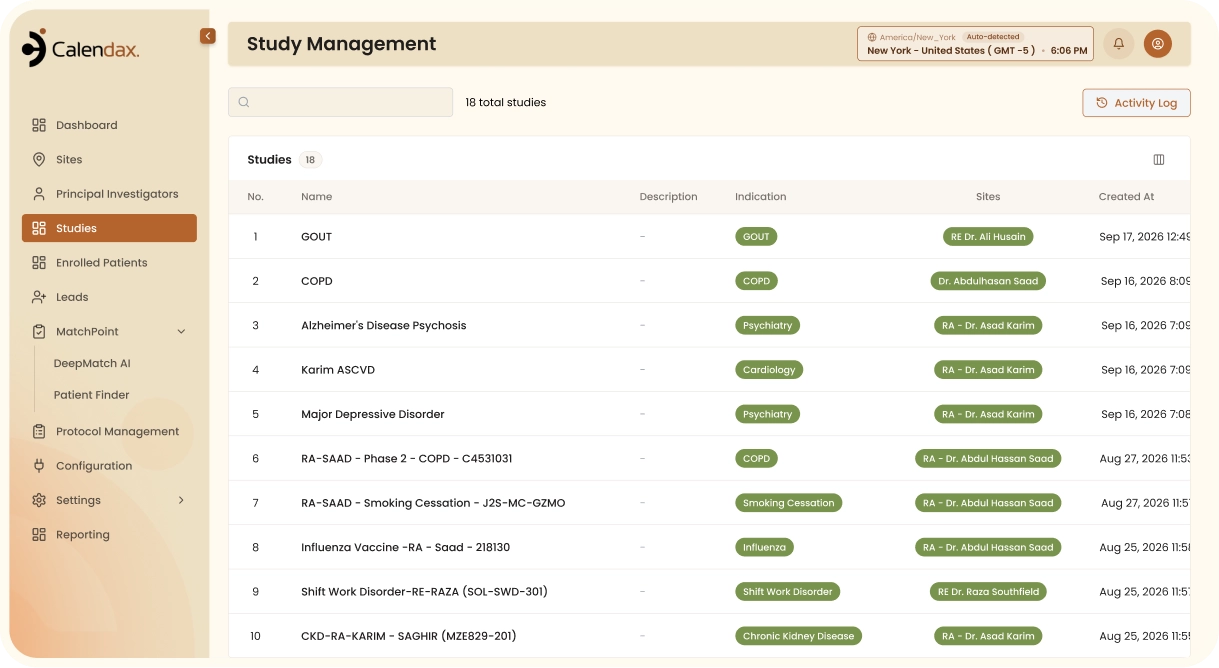
 Faster ScreeningAutomate initial screening to help coordinators spend more time with patients who meet study requirements.
 Smarter RoutingMatch patients with appropriate studies, sites, and investigators using eligibility and location criteria.
 Better VisibilityKeep screening responses, conversations, appointments, and patient activity accessible from one complete profile.
 Consistent ProcessesApply standardized workflows across studies and locations without relying on disconnected tools or manual tracking.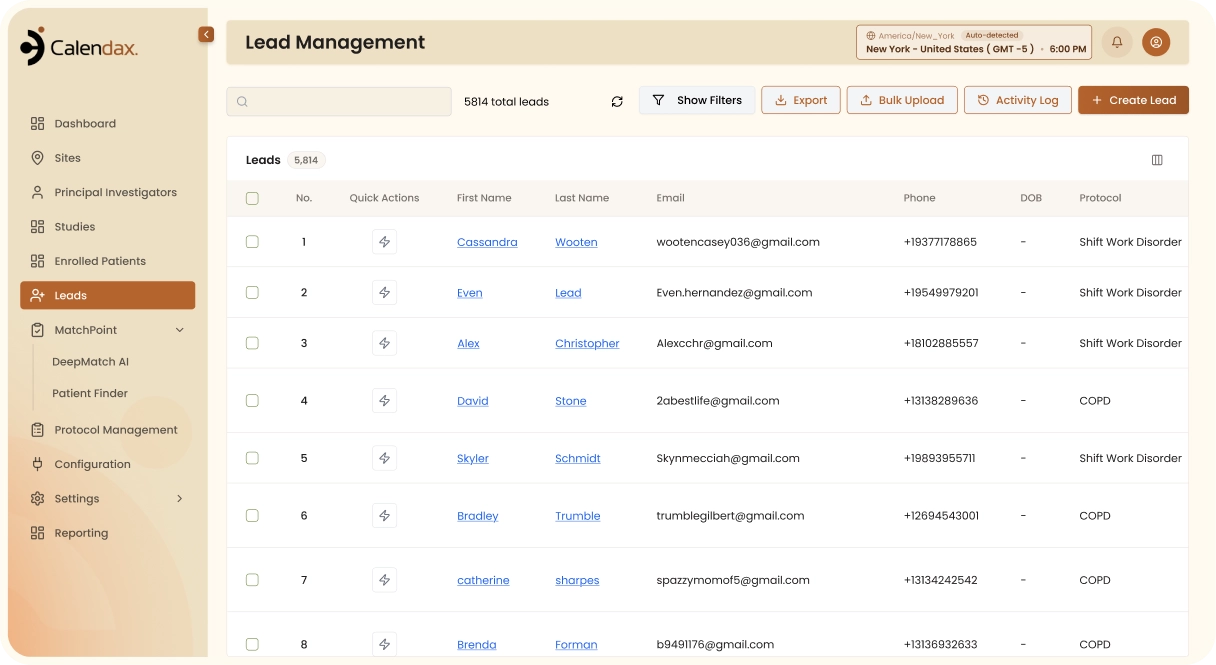
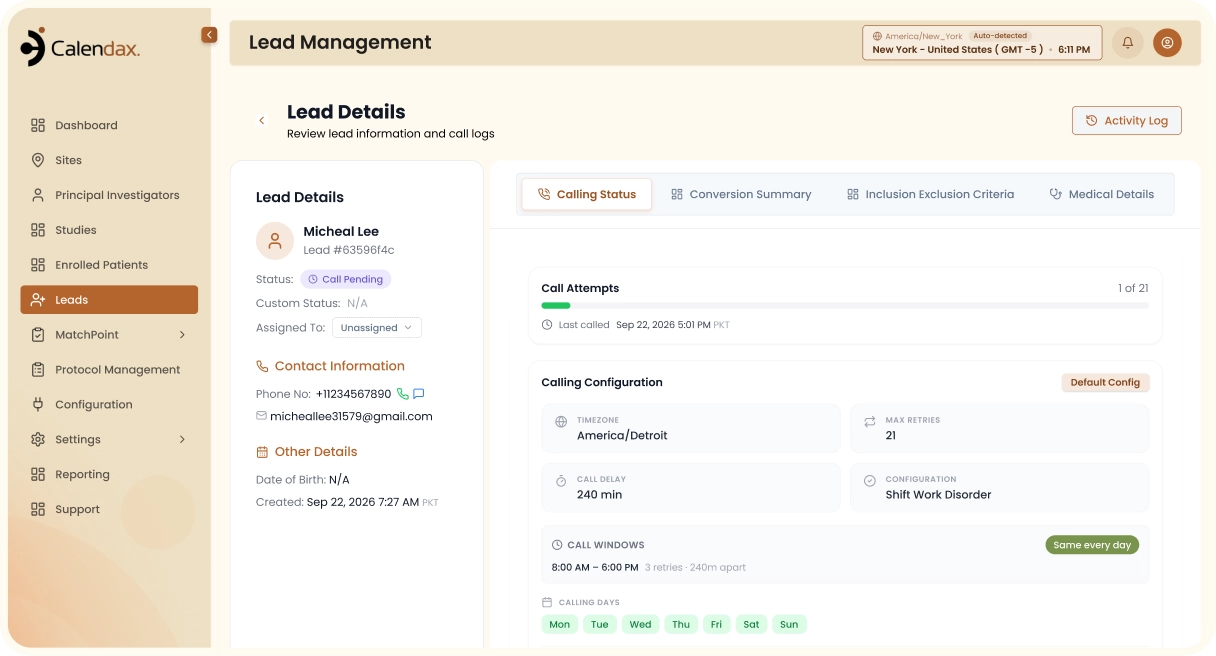
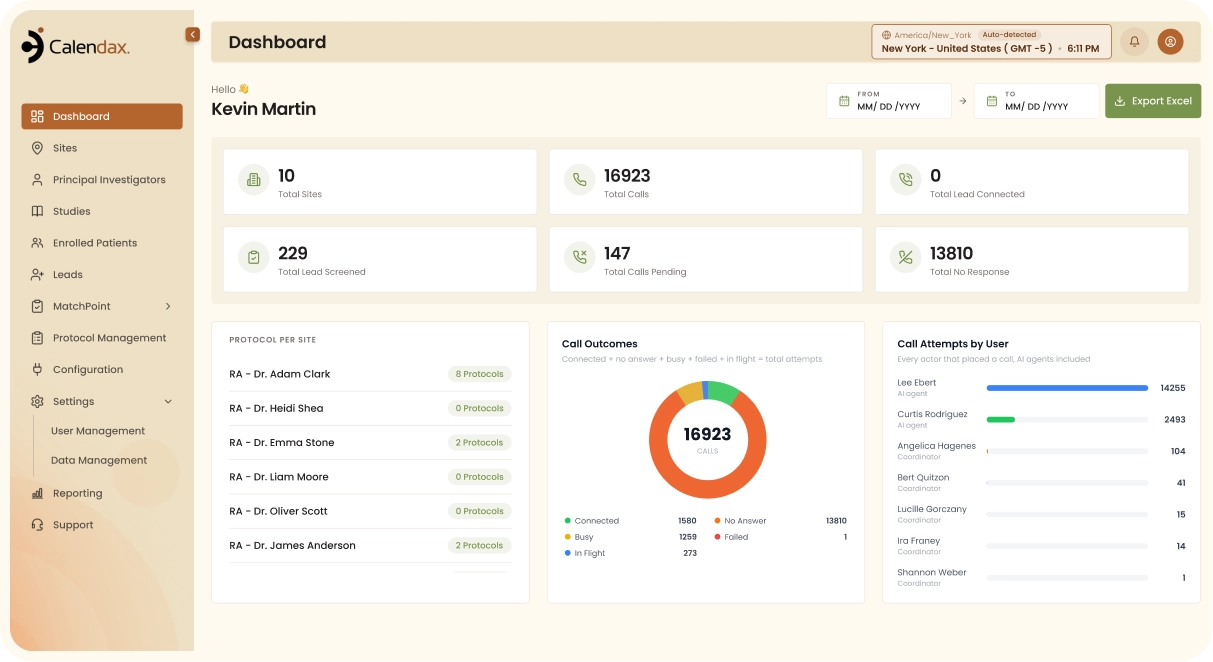
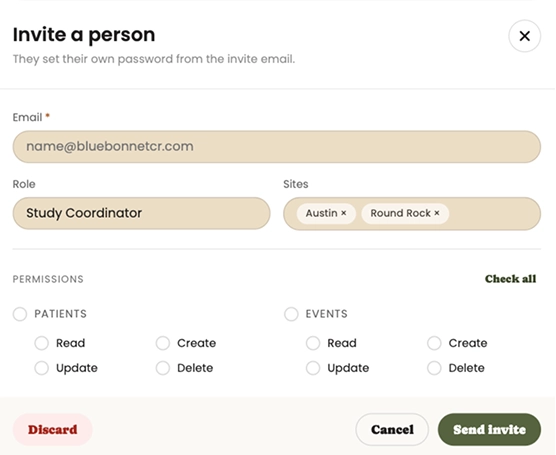
Designed for clinical research teams, Calendax brings security and control to clinical trial prescreening software, keeping patient data protected and workflows audit-ready.

Restrict patient information to authorized personnel through defined access controls and role-based permissions.

Maintain complete patient records, including screening responses, communications, transcripts, and activity history, within a centralized system.

Align screening workflows with approved study requirements to support consistent and reliable patient evaluation.

Maintain comprehensive records of patient interactions and screening activity to support oversight, review, and clinical research requirements.



Calendax is a patient prescreening software that helps teams manage growing recruitment demands with greater structure, visibility, and control. It keeps processes consistent no matter how many studies or sites are running, without adding extra overhead for coordinators.

Reduce repetitive coordination and give teams one place to manage patient recruitment activities.
Connect patient information, communication, screening, and scheduling, so everyone works from the same context.
Standardize workflows across studies and sites while adapting processes to fit changing research needs.
Practical guides on patient prescreening, protocol questionnaires, and eligibility screening to help your site recruit and enroll faster.
.
November 1, 2026
.
October 21, 2026
.
October 19, 2026Get answers to the questions research teams ask about Calendax, its capabilities, and how it supports patient recruitment and enrollment.
Calendax uses protocol-based questionnaires and AI-assisted calls to collect responses, assess eligibility, and identify patients requiring further review.
Yes. Calendax can manage screening workflows across multiple studies, helping research teams apply study-specific eligibility requirements and recruitment processes.
As a clinical trial enrollment software, Calendax can help teams move qualified participants from screening toward enrollment with organized workflows, communication, and patient tracking.
Yes. Teams can configure their business information, agent settings like voice and script, and call configurations such as business hours and retry attempts.
Yes. Coordinators can call or text patients directly from their profile in Calendax, keeping every conversation in one place.
See how Calendax can help your team turn more opportunities into qualified, engaged patients.
Turn every lead into a scheduled visit with faster screening
and smarter site coordination.

A Product of Syncora, Copyright 2026