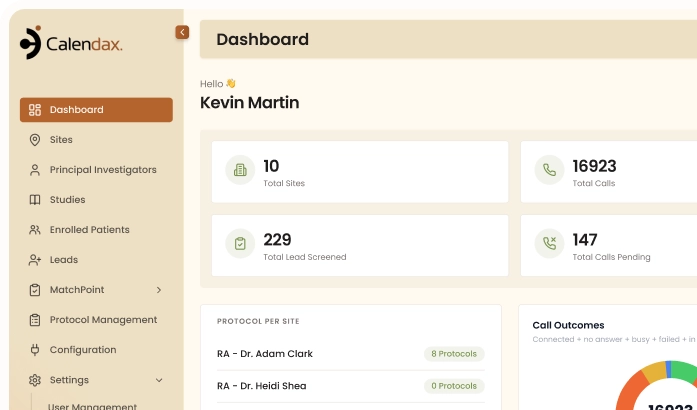
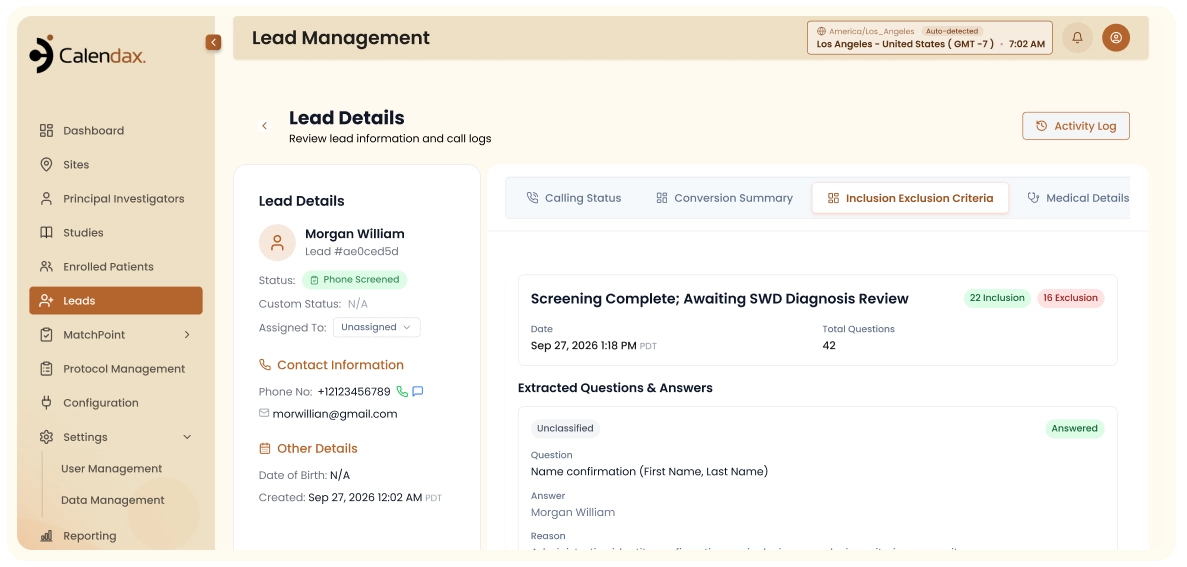
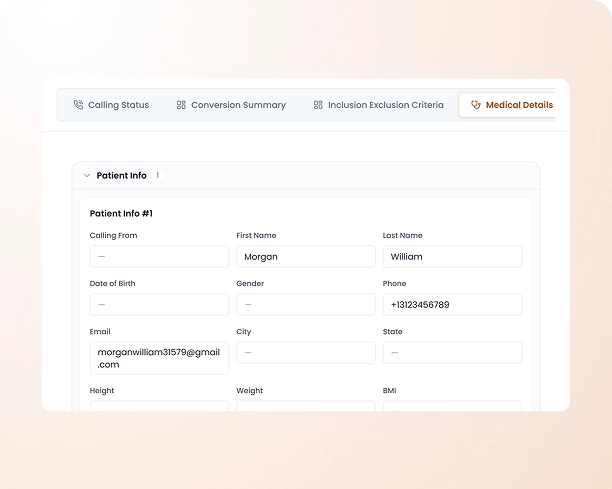
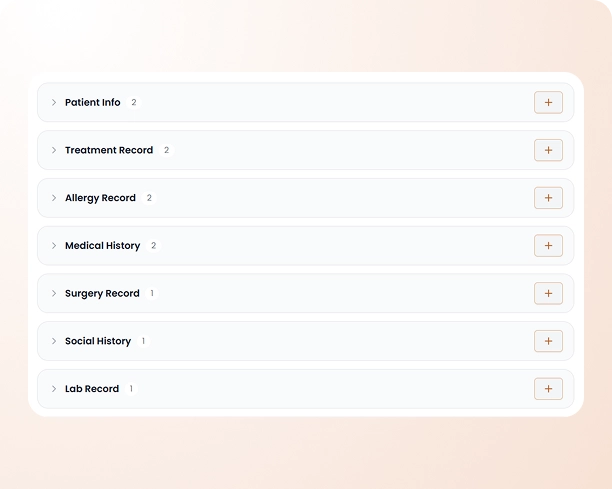
Calendax analyzes the call transcript and automatically populates the patient’s Medical Details tab with the information gathered; no manual entry required.
HOW IT WORKS
Quick. Simple. Reliable.
1
1
Step 1 of 3
Call Is Analyzed
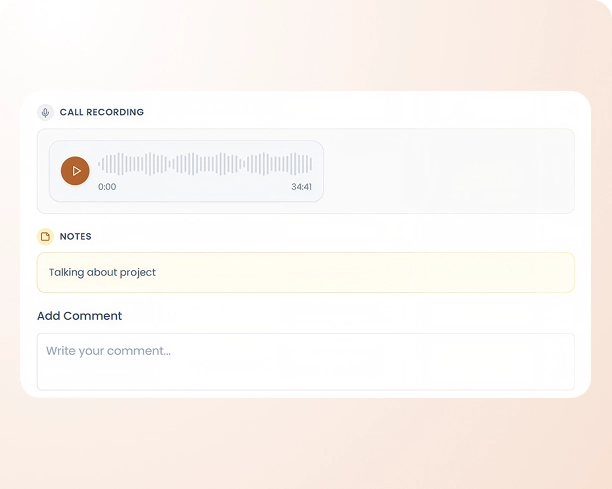
Calendax reviews the completed call transcript for medical details.
2
2
Step 2 of 3
Records Are Extracted
Relevant medical information is identified from the conversation.
3
3
Step 3 of 3
Profile Is Updated
Details are mapped to the patient's Medical Details tab automatically.
THE PROBLEM
Here's What Lead Mapping
Helps You Solve
Calendax removes manual data entry by automatically capturing medical details from every call and mapping them to the patient’s profile in real time.
01
Medical Details Entered Manually
Without automated mapping, coordinators must manually type up medical information after every screening call.
02
Inconsistent Medical Record Capture
Manual note-taking during calls can lead to missed or inconsistently recorded medical details across patients.
03
Delayed Profile Updates
Manually updating a patient’s Medical Details tab after each call slows down the screening and follow-up process.
THE IMPACT
Faster Records. Fewer Gaps. Better Profiles.
Lead Mapping captures medical details straight from the call and updates the patient profile automatically, keeping records complete from the first conversation.

Faster Profile Updates
Medical details are added to the patient’s profile automatically, removing the need for manual entry.

Fewer Missed Details
Calendax captures medical information directly from the transcript, reducing the risk of missed or incomplete records.


Consistent Record Keeping
Every call is analyzed the same way, keeping medical details standardized and complete across every patient profile.


Built for Precision
Let Every Call Build
the Patient Profile
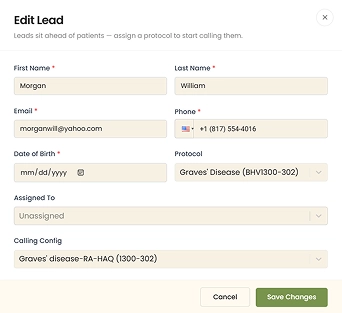
Each lead’s questionnaire is already tied to a study through its protocol, so once screening is complete, Calendax automatically maps the captured medical details to the patient’s profile, ready for your team to review before enrollment.
- Medical details captured automatically from every call.
- No manual entry into the patient profile.
- Complete records ready before site and study selection.
- Consistent capture across every screening call.
Book a Demo
EXPLORE MORE
Features That Work Alongside Lead Mapping

Patient Import
Bring in leads directly from Meta ad campaigns and route them into the right workflow.

Live Calling
Call leads directly from Calendax and let AI summarize outcomes and update lead status automatically.

Text Messaging
Send leads quick updates or reminders directly from their profile without ever leaving the platform.
FAQs
Common Lead Questions
Here’s what teams usually ask about how Calendax matches leads to the right study, site, and PI.
Talk To The TeamLearn More
How does Calendax capture medical details from a call?
Calendax analyzes the call transcript and automatically extracts relevant medical information shared during the screening conversation.
Where do the captured medical details appear?
Captured details are automatically mapped to the patient’s profile under the Medical Details tab.
Is the study already linked to the lead before screening?
Yes, since the questionnaire is based on a protocol tied to a specific study, the lead is already connected to that study from the start.
Who selects the site and study for enrollment?
Once screening is complete, your team manually selects the site and study where the patient will be enrolled.
Do I need to manually enter medical information after a call?
No, Calendax automatically populates the patient’s Medical Details tab, removing the need for manual entry.
What happens if a call doesn't capture certain details?
Any details not captured automatically can be reviewed and added manually to the patient’s profile as needed.
Ready to Make Recruitment More Efficient?
See how Calendax can help your team turn more opportunities into qualified, engaged patients.