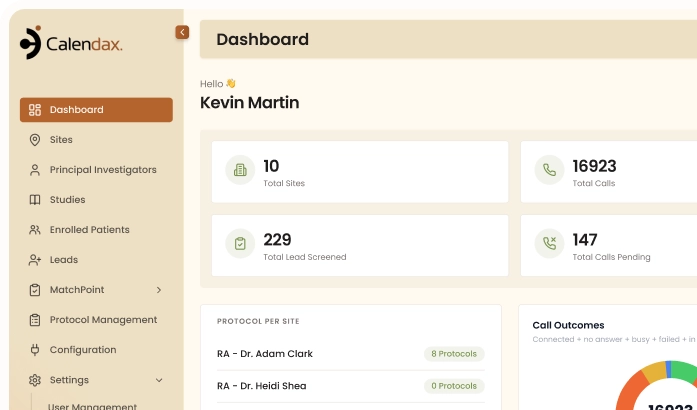
Add participants one at a time, upload a full list, or connect a lead source, Calendax organizes every entry into a single, ready-to-use recruitment workflow.
Quick. Simple. Reliable.
How It Works

1
1
Step 1 of 3
Choose Your Source
Add participants manually, via Excel, or connected forms.
2
2
Step 2 of 3
Import the Data
Calendax receives and organizes the participant information automatically.
3
3
Step 3 of 3
Start Recruitment
Participants move into screening and calling.
THE PROBLEM
Scattered Lead Sources
Slow Down Recruitment Teams
Calendax consolidates every participant source into one system, removing repetitive manual entry and keeping recruitment data organized from day one.
01
Leads Scattered Across Sources
Participants come from Facebook forms and Excel lists, making it hard to manage everyone from one place.
02
Repetitive Manual Data Entry
Adding participants one by one from separate sources wastes valuable time that teams could spend on recruitment.
03
Inconsistent Participant Records
Managing sources separately increases the risk of missing or incorrectly entered participant information across the team.
Built for Speed
Every Source. One Platform. Zero Hassle.
Multi-Channel Intake brings participants from every source into Calendax, giving teams a faster, more organized way to start recruitment.

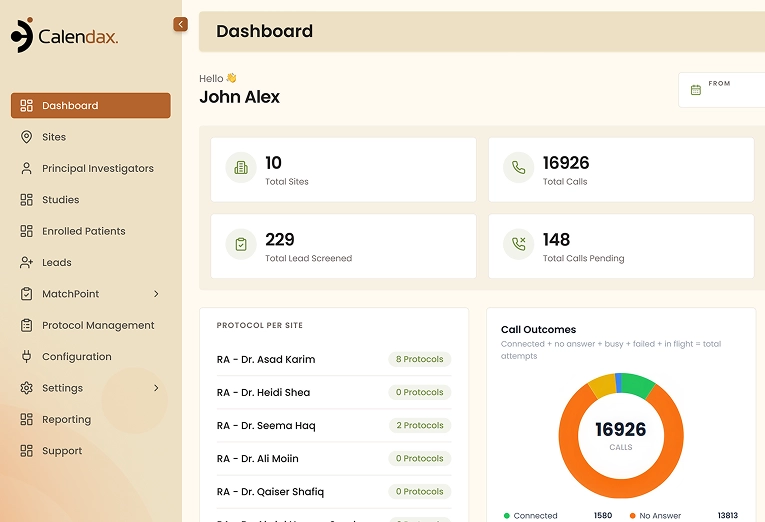
Centralized Participant Data
Every participant, regardless of source, is organized and accessible from a single system.
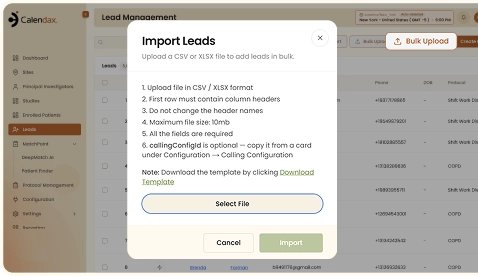

Faster Bulk Onboarding
Import entire participant lists at once instead of adding each one manually.

Fewer Data Entry Errors
Automated imports from connected sources reduce the risk of missing or incorrect participant information.
WHAT'S INSIDE
Collect Leads from
Every Channel
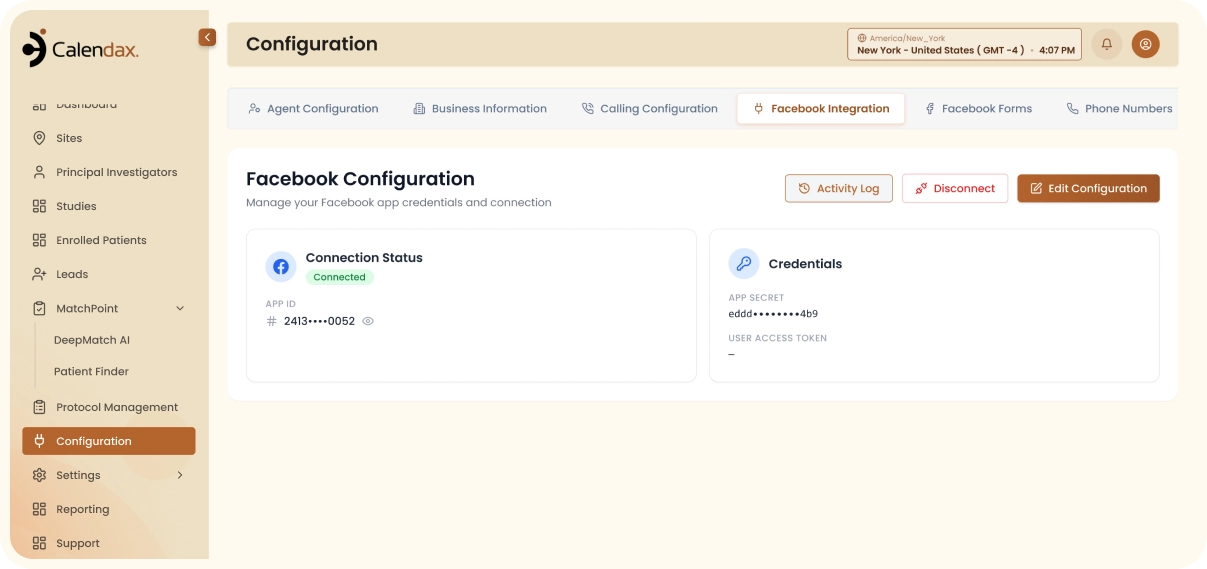
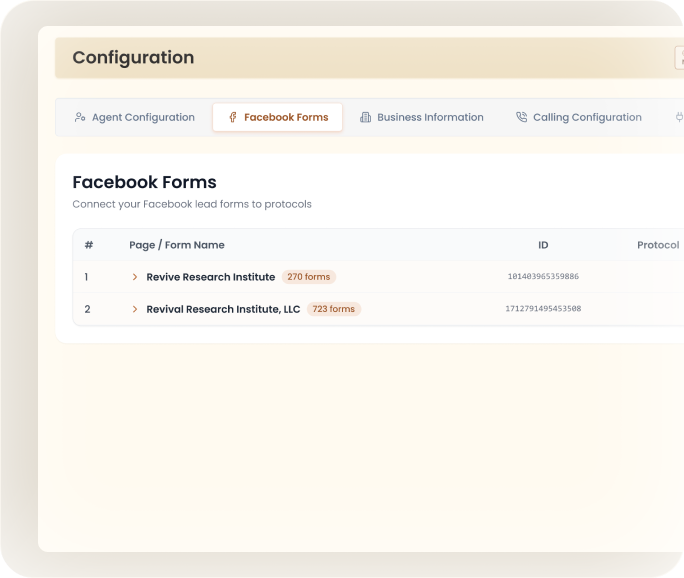
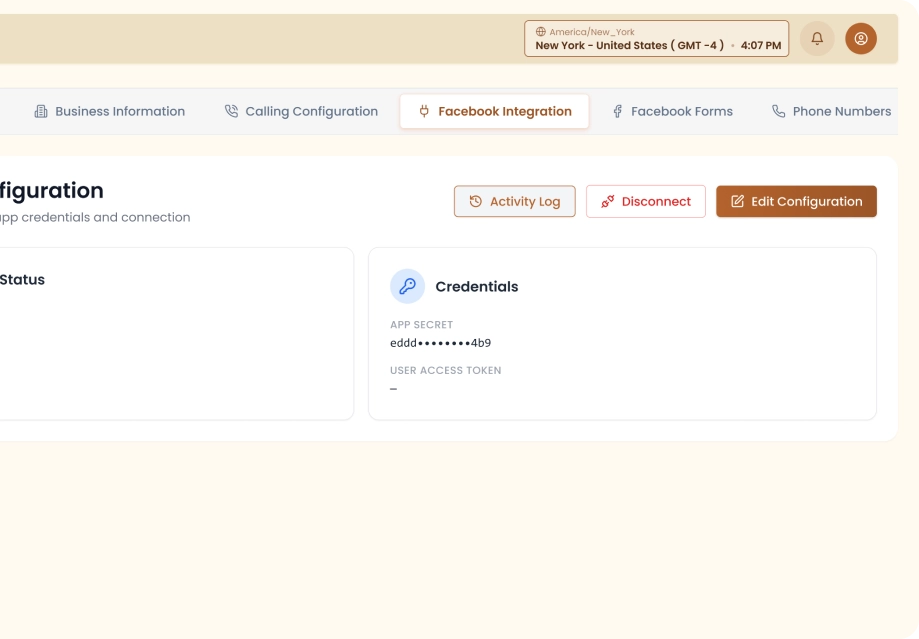
- Facebook Lead SyncLeads flow in from Facebook Lead Ads.
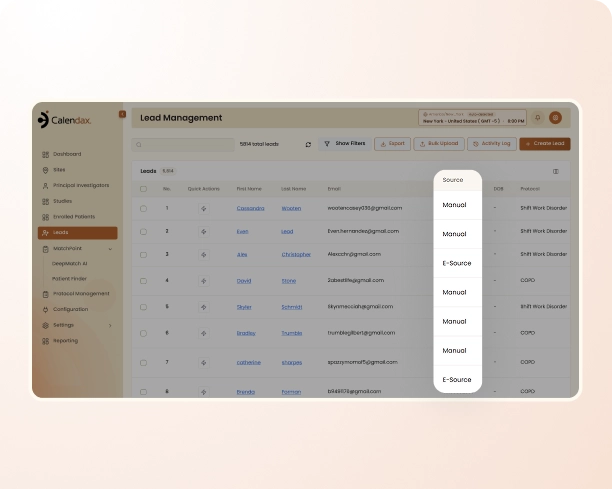
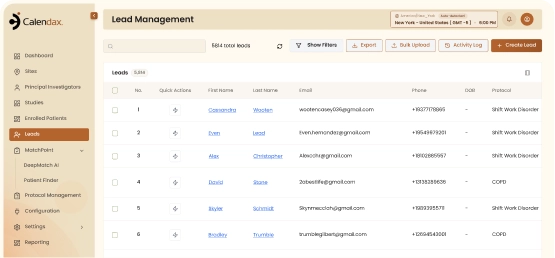
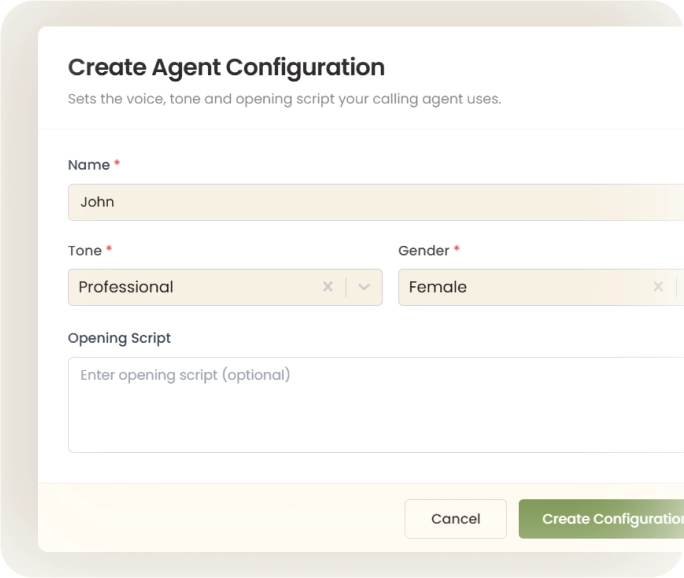
- Quick Manual EntryAdd a single participant directly into Calendax.
One Simple Process
Start Importing Participants
into Calendax Today
Connect your lead sources, upload existing lists, or add participants manually, then let Calendax organize everything into one workflow ready for recruitment.
- Import leads from Facebook.
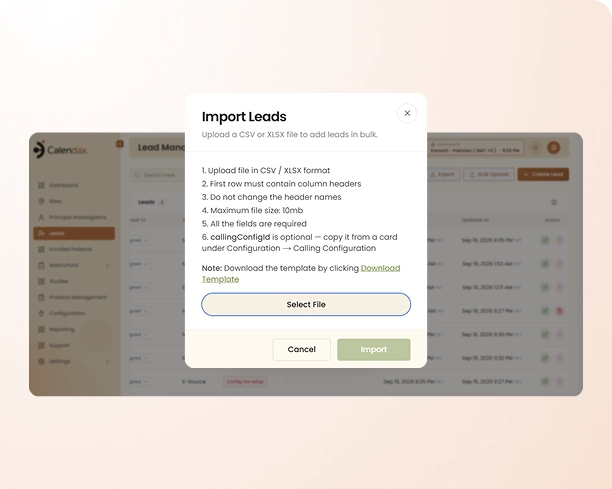
- Upload multiple participants through Excel.
- Add single participants in seconds.
- Keep every source organized in one platform.
Book a Demo
RELATED FEATURES
Features That Work Alongside Multi-Channel Intake

Lead Mapping
Automatically route every imported lead to the right study, site, and PI.

Live Calling
Call newly imported leads directly from Calendax and track outcomes automatically.

Text Messaging
Reach imported participants instantly with quick updates or reminders from their profile.
FAQs
Common Import Questions
Here’s what teams usually ask about bringing participants into Calendax from different sources.
Get StartedTalk to Us
What sources can I import participants from?
You can import participants from Facebook lead forms, manual entry, or an Excel file, all managed within Calendax.
Can I add participants one at a time?
Yes, you can manually add a single participant through Lead Management by entering their information directly into Calendax.
How do I import multiple participants at once?
Prepare your participant data in an Excel file, then upload it through the Import option in Lead Management.
What happens after a participant is imported?
Once imported, participants become part of the recruitment workflow and are ready for screening, calling, and follow-up.
Do I need to set up lead forms before importing?
Yes, you’ll need to connect your lead source before participants can be automatically imported.
Is participant data automatically organized after import?
Yes, Calendax organizes all imported participant data into one system, regardless of which source it came from.
Ready to Make Recruitment More Efficient?
See how Calendax can help your team turn more opportunities into qualified, engaged patients.